
Trading Interview offers companies the Candidate Assessments service. If you need to assess the hard-skills of a new candidate, we offer the tools for recruiters to test the candidates. If you are interested to onboard our assessment, please get in touch via hello@tradinginterview.com. Are you already onboarded and do you need a guide to get started? Then please read further.
Currently, we are offering three different tests, which are the
- Mental math test
- Sequences test
- Probability test
In My Account, you can navigate to My Assessment Roles.
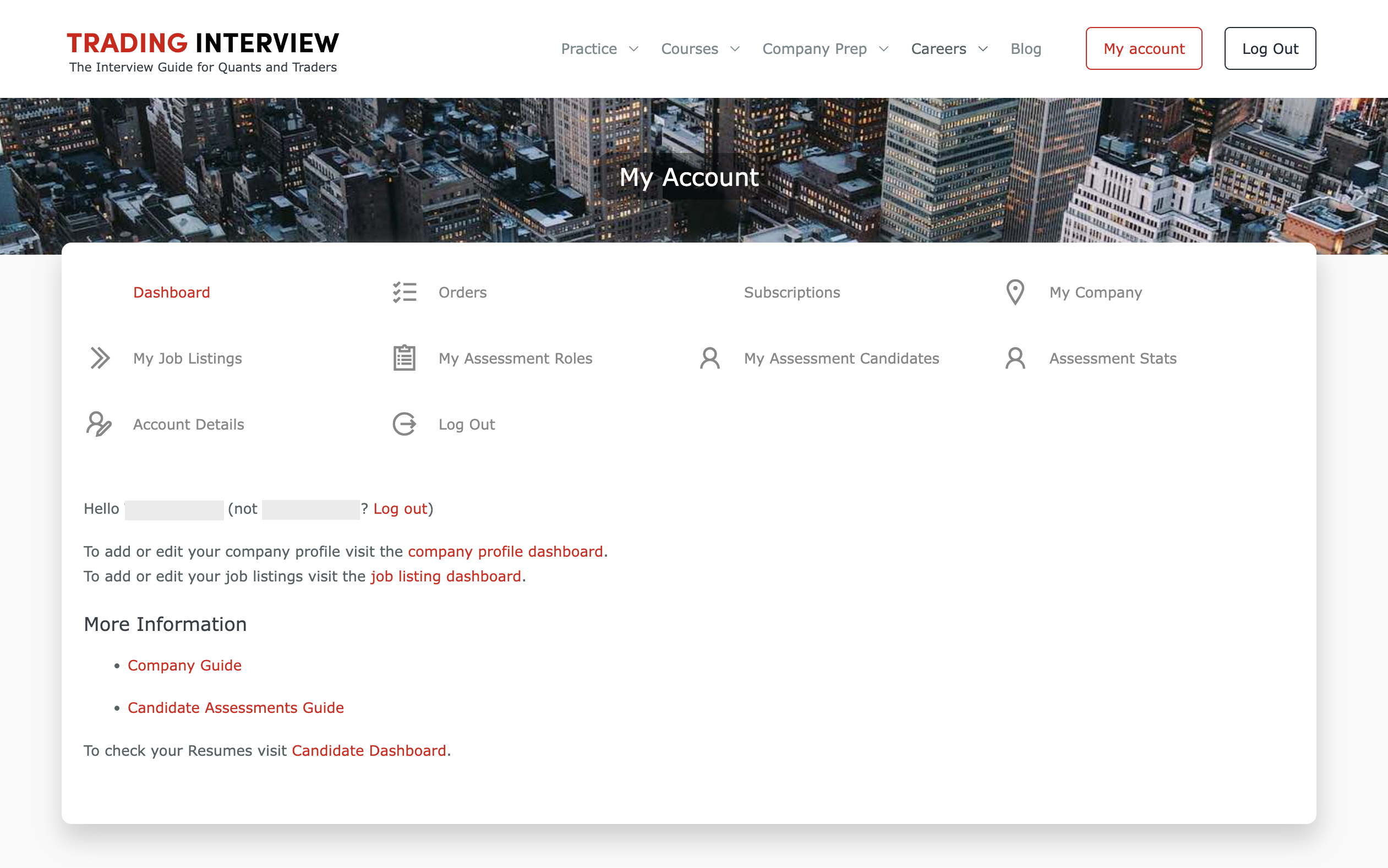
Here, you can create a new role by clicking on Add New Role.
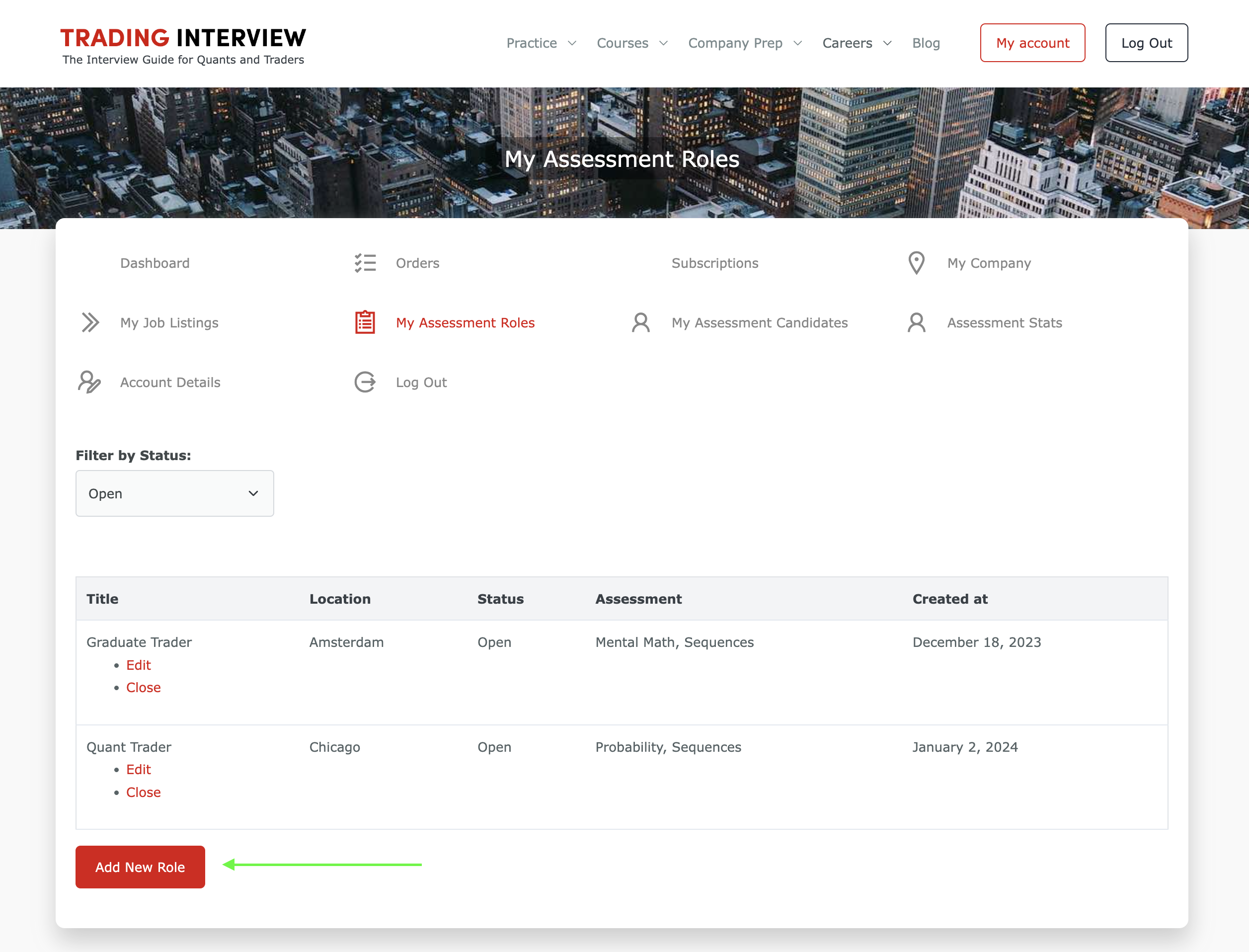
Per role, you can decide which tests are relevant.
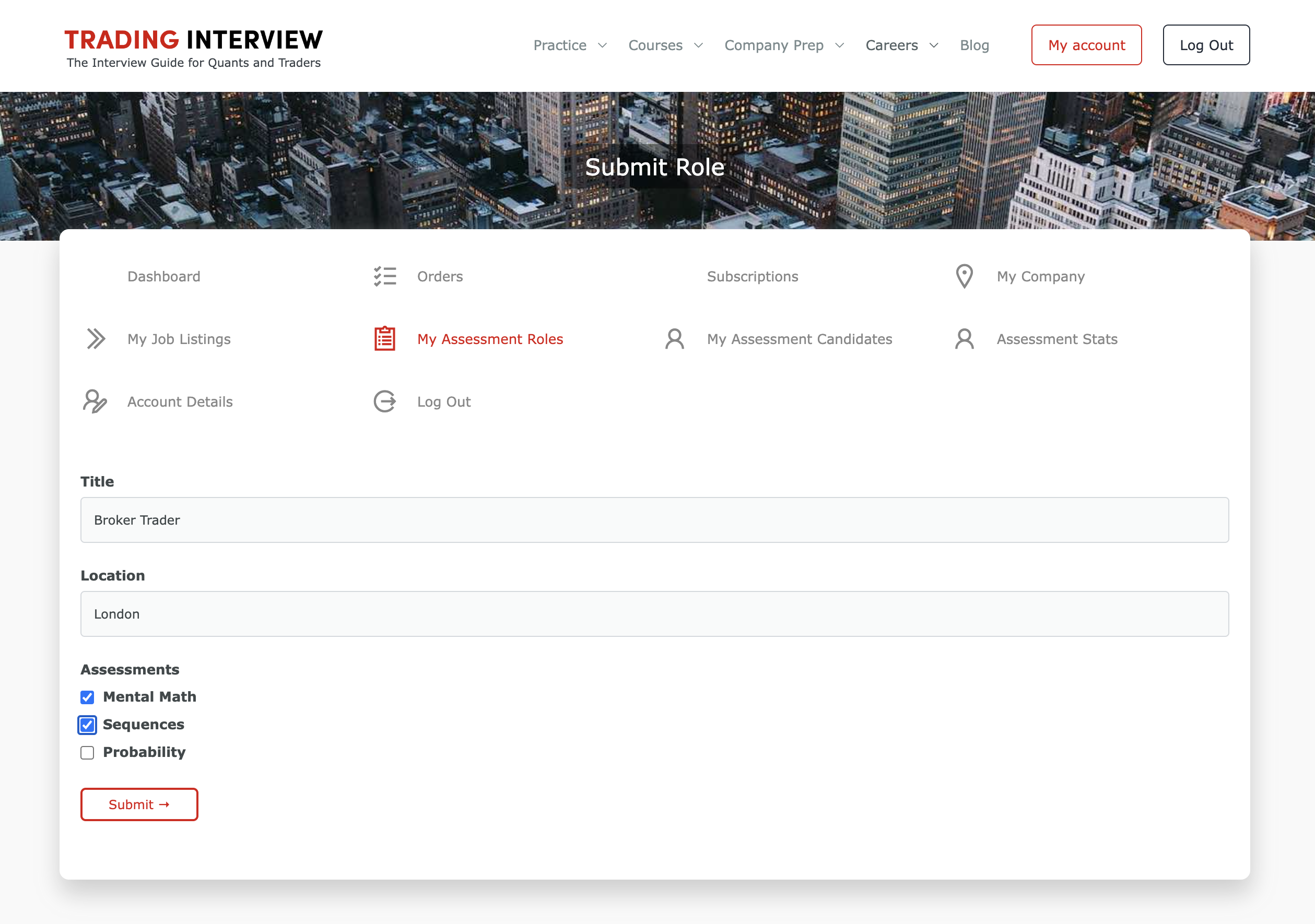
Remember: for every role that you’ve created, you’ll be able to post a vacancy on our platform for free.
Next, you can navigate to My Assessment Candidates. At this page, you have an overview of all your candidates (active and archived). You can filter on different conditions and you’re also able to export all the data.
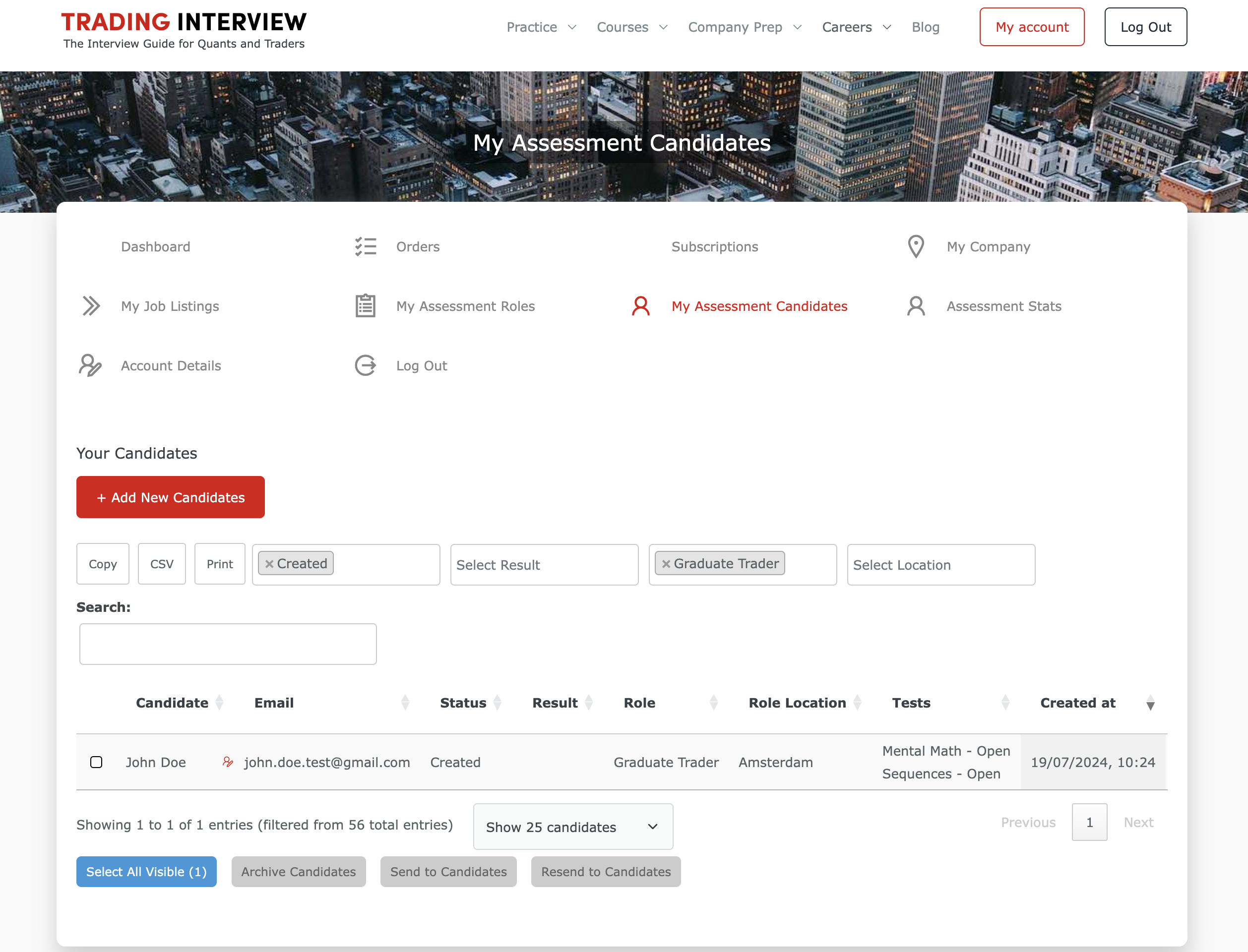
After clicking on Add new candidate, you need to fill in the details of the candidate and select for which role this candidate is applying. The candidate will automatically receive the tests that you’ve set for the role in Step 3. Note: you can send bulk invites as well.
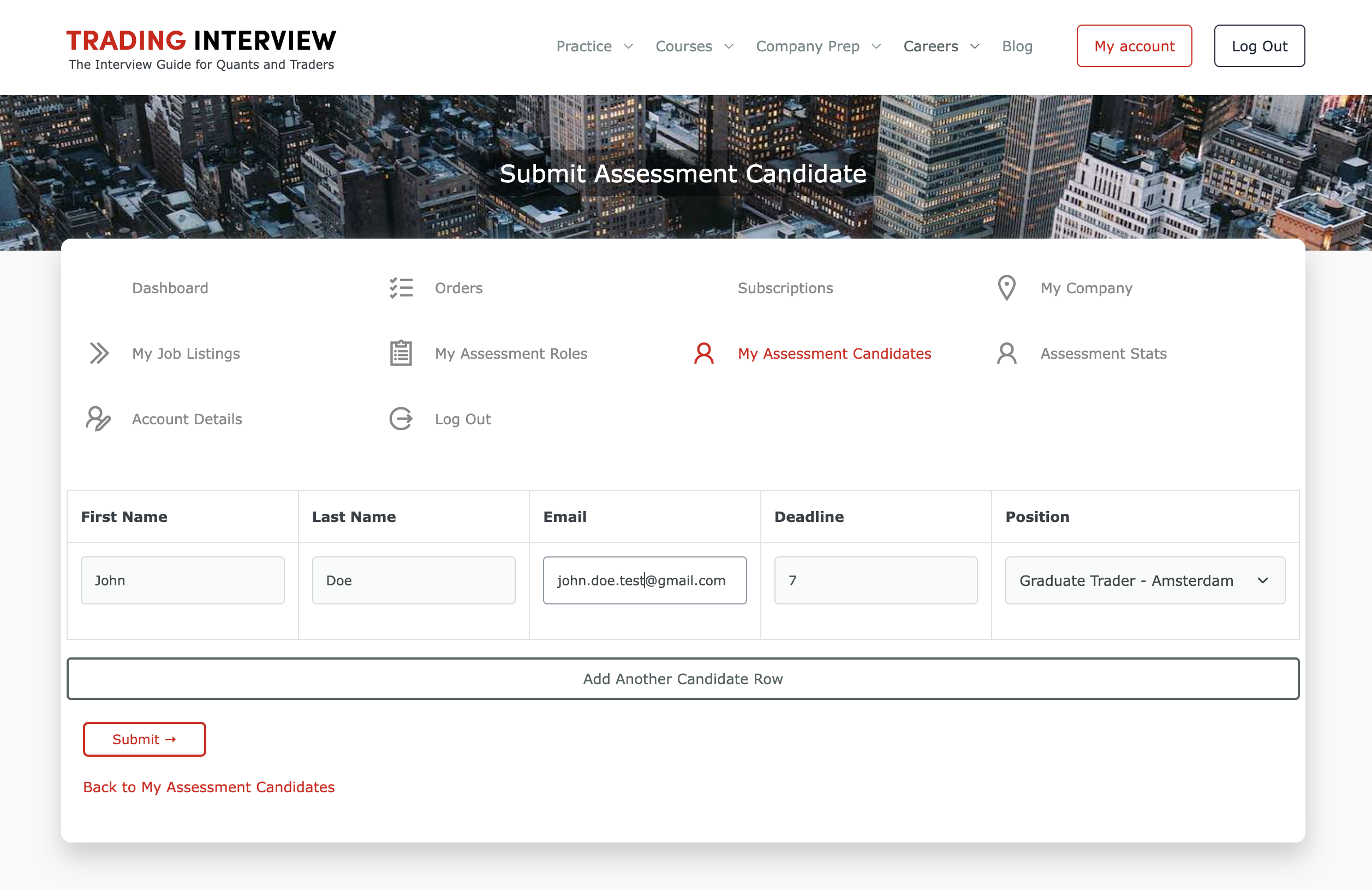
Next, review the candidate’s details and click on Send to Candidate to share the assessment with the candidate.
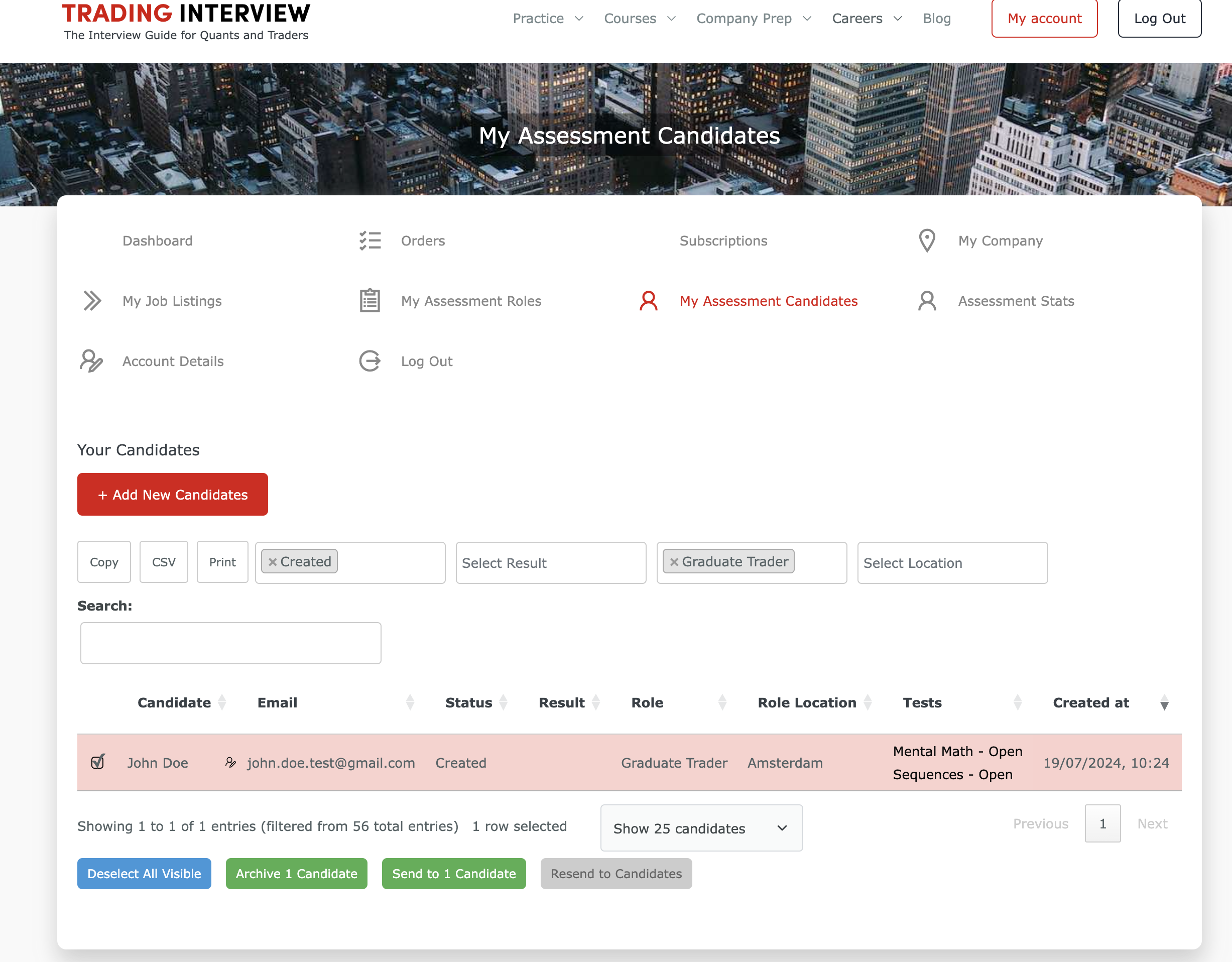
You’re done! The candidate now received the assessment. Each company has their own passing bar per test. If a candidate ended up in the grey-zone, you can click on the candidate’s results to see a detailed overview of test statistics, such that you can compare the candidate against the average candidate that did the test for your firm and decide if you want to give the candidate a second chance or not.
We can automate rejection emails for you, according to your passing rules.
Any other questions? Please reach out via hello@tradinginterview.com.
Please login to your employer account to view this page.
Interested in assessment or do you have any questions? Please get in touch via hello@tradinginterview.com